
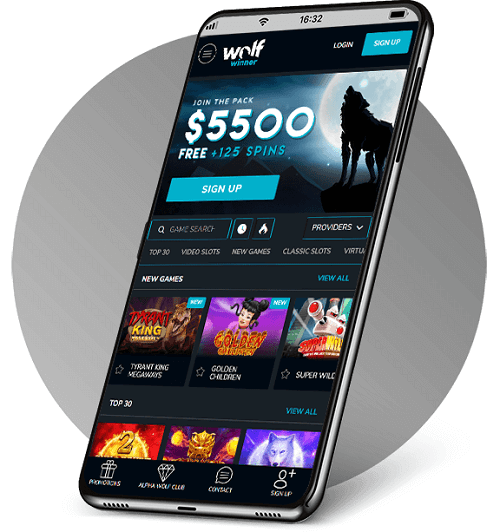
wolf winner mobile client customer support
If you’re having trouble creating an account, you’re not alone. Registration problems can happen for a few different reasons, but most of them are easy to fix. Below are the most common causes and the steps you can try to get through the signup process successfully.
Check Your Internet Connection
A weak or unstable connection can stop the registration page from loading properly or prevent your details from being submitted.
- Switch between Wi-Fi and mobile data
- Refresh the page
- Restart your router if needed
Make Sure Your Details Are Correct
Double-check all the information you enter during registration. Even small mistakes can cause errors.
- Use a valid email address or phone number
- Enter your name and password exactly as requested
- Avoid extra spaces or special characters if they are not allowed
Try a Different Browser or Device
Sometimes the issue is caused by the browser or device you’re using. If the registration form won’t submit, try another option.
- Open the site in Chrome, Safari, Firefox, or Edge
- Try registering from a phone, tablet, or desktop
- Clear your browser cache and cookies
Disable VPN or Ad Blockers
Some security tools can interfere with registration forms and verification steps.
- Turn off your VPN temporarily
- Disable ad blockers or script blockers
- Reload the page and try again
Confirm Your Password Requirements
If your password is being rejected, it may not meet the platform’s rules.
- Use the required number of characters
- Include upper- and lowercase letters if needed
- Add numbers or symbols if required
Check for Verification Messages
Some registration systems require email or SMS verification before the account is fully activated.
- Look for a confirmation email in your inbox
- Check your spam or junk folder
- Make sure your phone can receive SMS messages
Wait and Try Again Later
If the service is experiencing heavy traffic or temporary server issues, registration may fail for a short time.
- Wait a few minutes and retry
- Try again during a less busy time
- Check whether the website is under maintenance
Contact Support
If none of the above works, reach out to the support team and describe the problem clearly. Include any error messages you see, the device you’re using, and the exact step where registration fails.
wolf winner mobile client customer support
In short: registration problems are often caused by connection issues, incorrect details, browser problems, or verification delays. Try the steps above one by one, and you’ll usually be able to complete the signup process without much trouble.